Guide & Best Practices
Tips for Using RepByte
Make your ambient movement breaks effortless with these practical setup ideas and environmental habits for your desk.
01
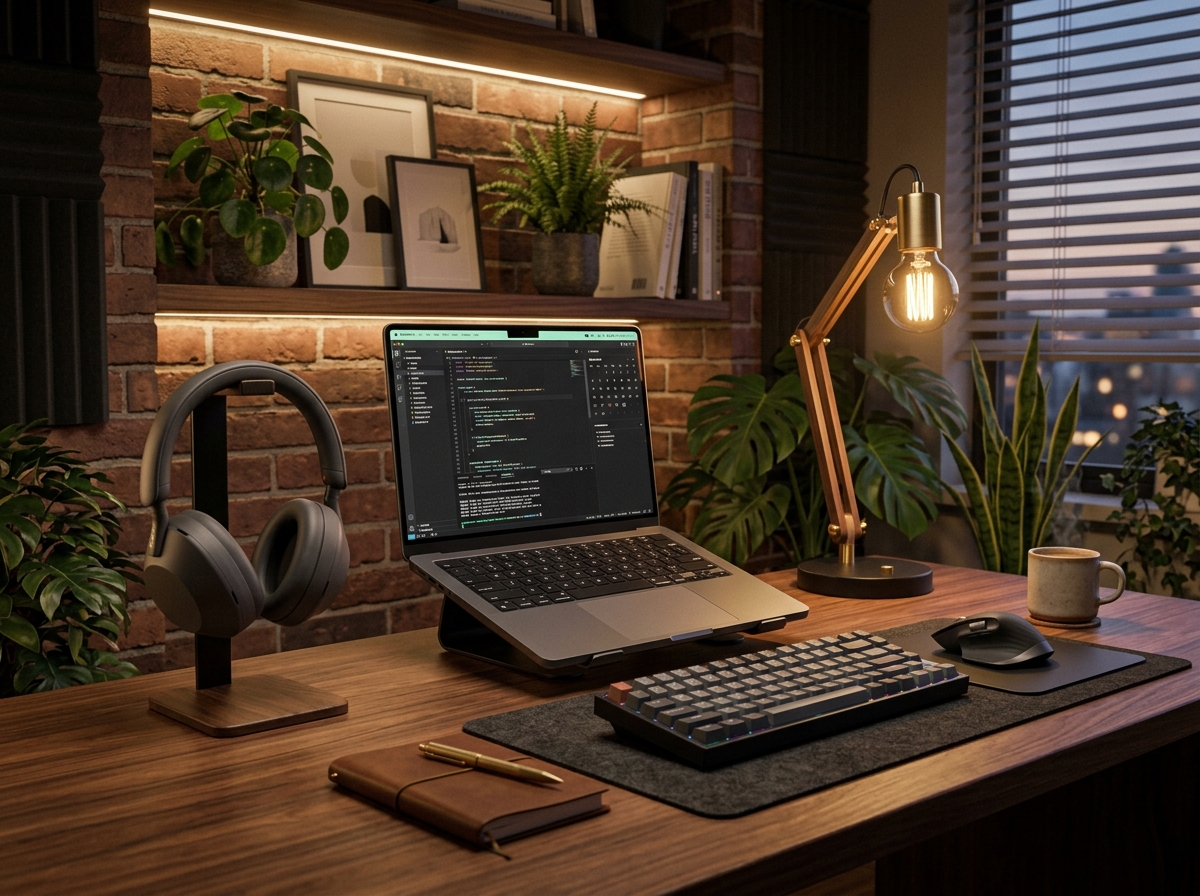
Wear Wireless or Bluetooth Headphones
Bluetooth headphones keep prompt audio clear even when you step away from your computer. Move freely to an open space or exercise mat without cable tethering.
02
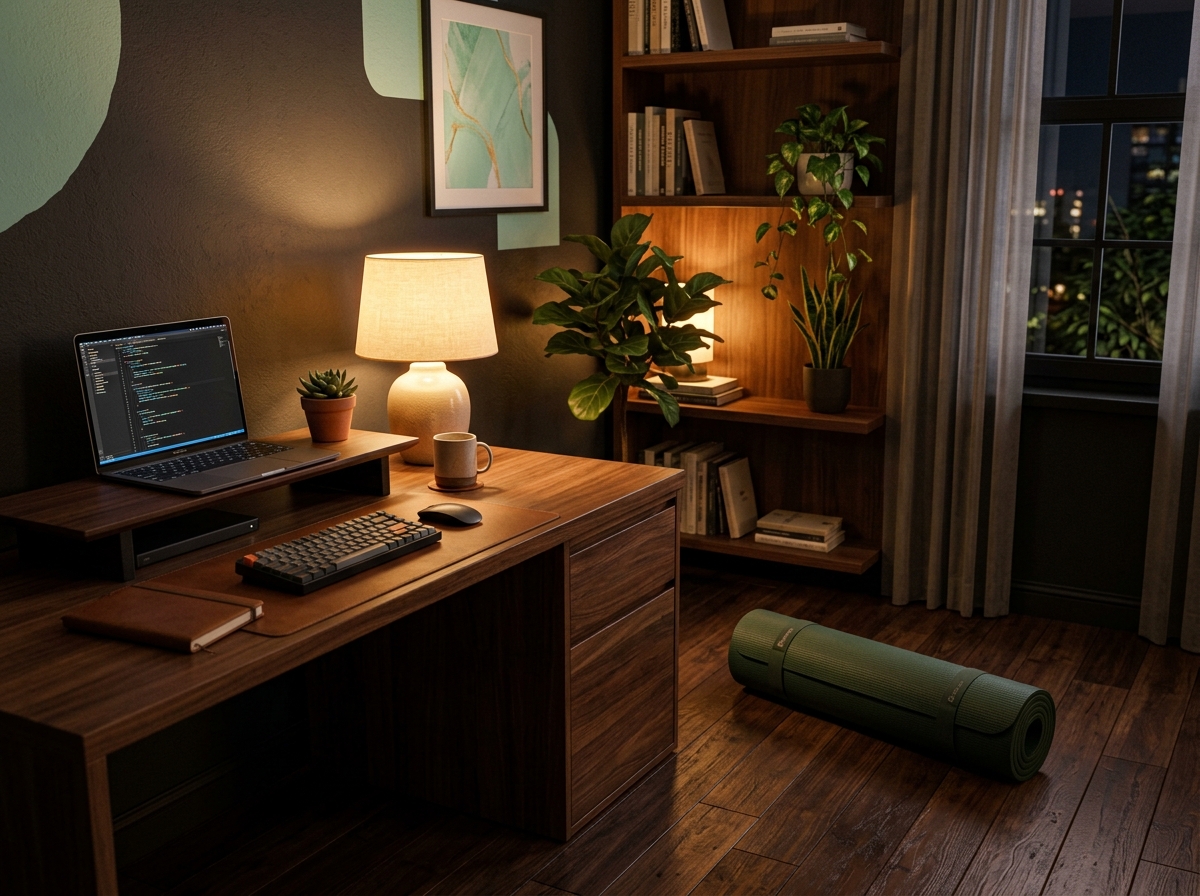
Keep an Exercise or Yoga Mat Nearby
Storing an exercise mat next to your desk makes floor-based movements seamless. When prompts for push-ups, planks, or core stretches appear, a padded surface is ready.
03
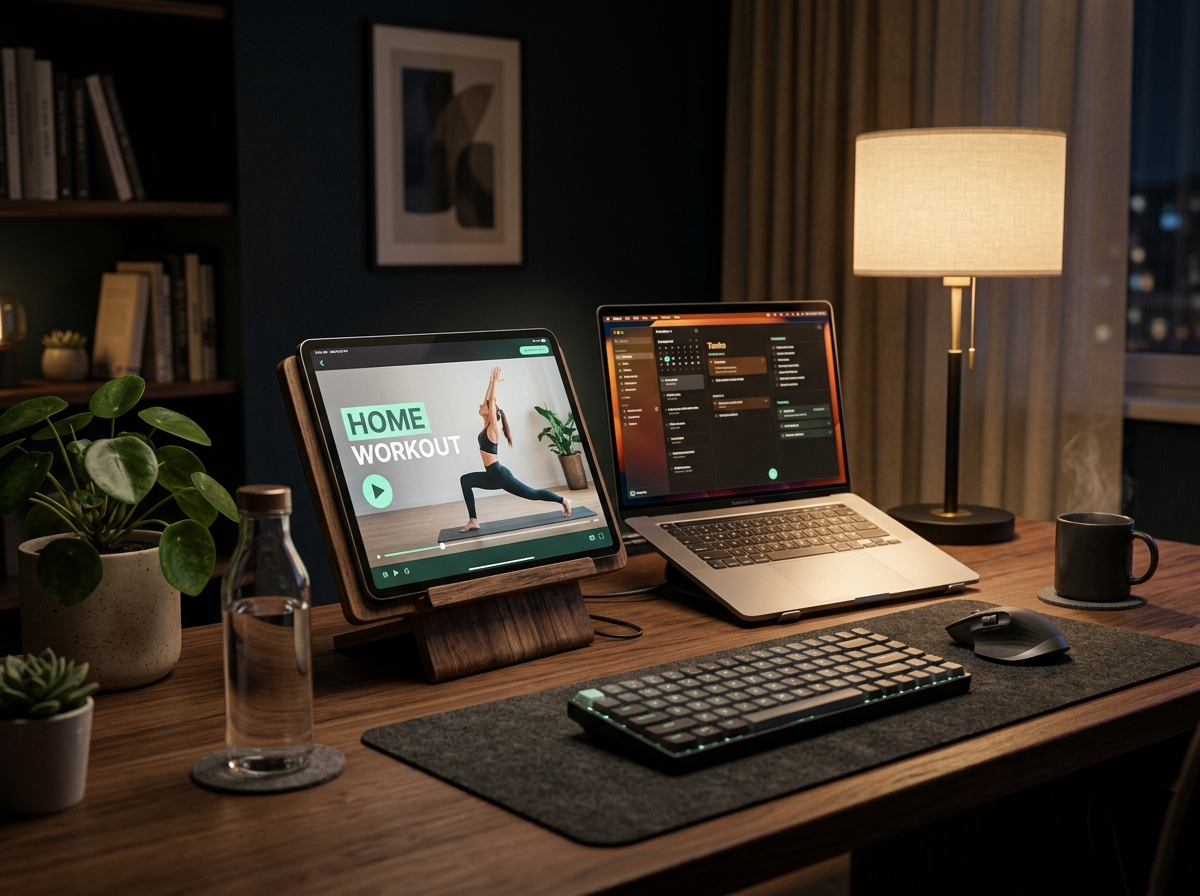
Master Unfamiliar Exercises with Quick Demos
When RepByte suggests a new exercise, take a brief moment to check a quick video tutorial online. Learning proper posture and form keeps your movement breaks safe and effective.
04
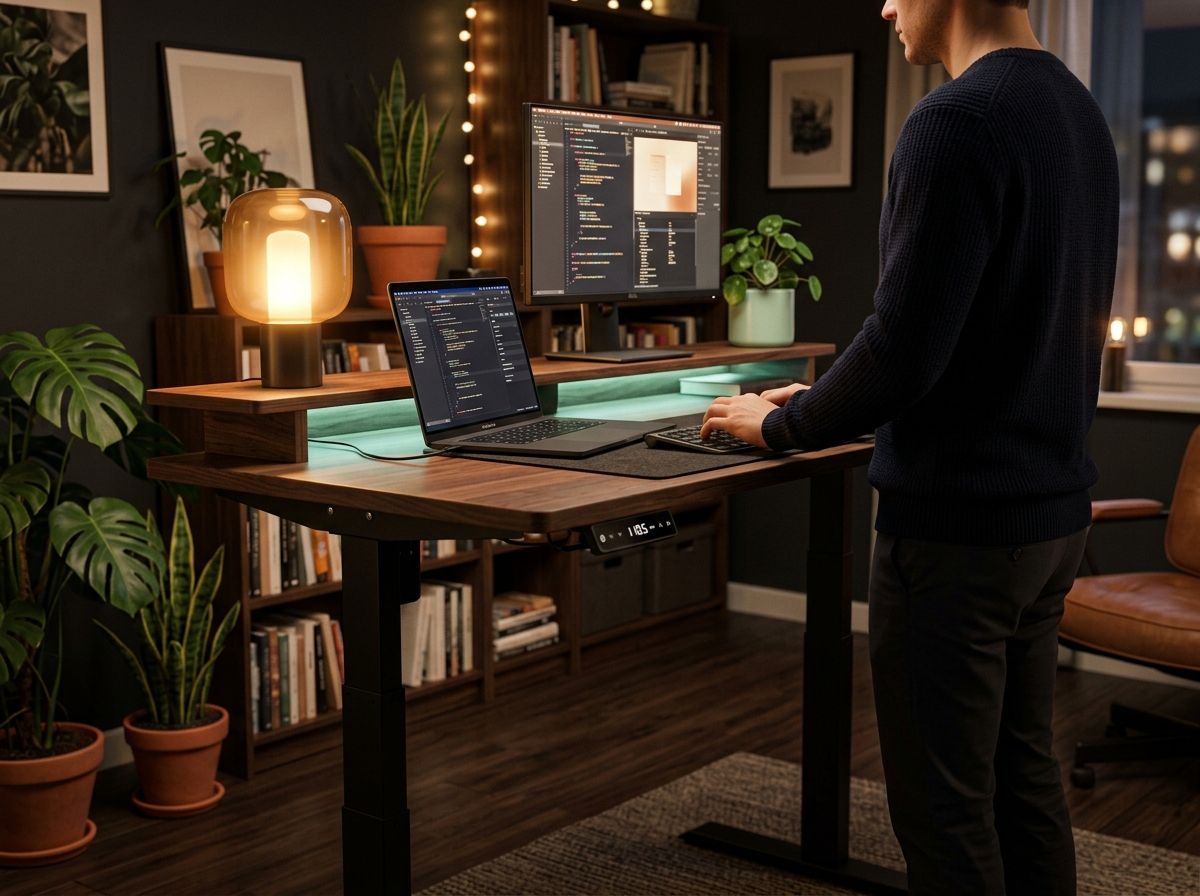
Set Up a Flexible Workspace
If you use a standing desk or flexible workstation, take advantage of it. Transitioning quickly between sitting and standing lowers friction for active breaks.
05
Get Creative with Household Equipment
Everyday household items easily double as strength tools:
- Doorway curls: Hold onto a sturdy door frame to perform controlled bodyweight arm curls.
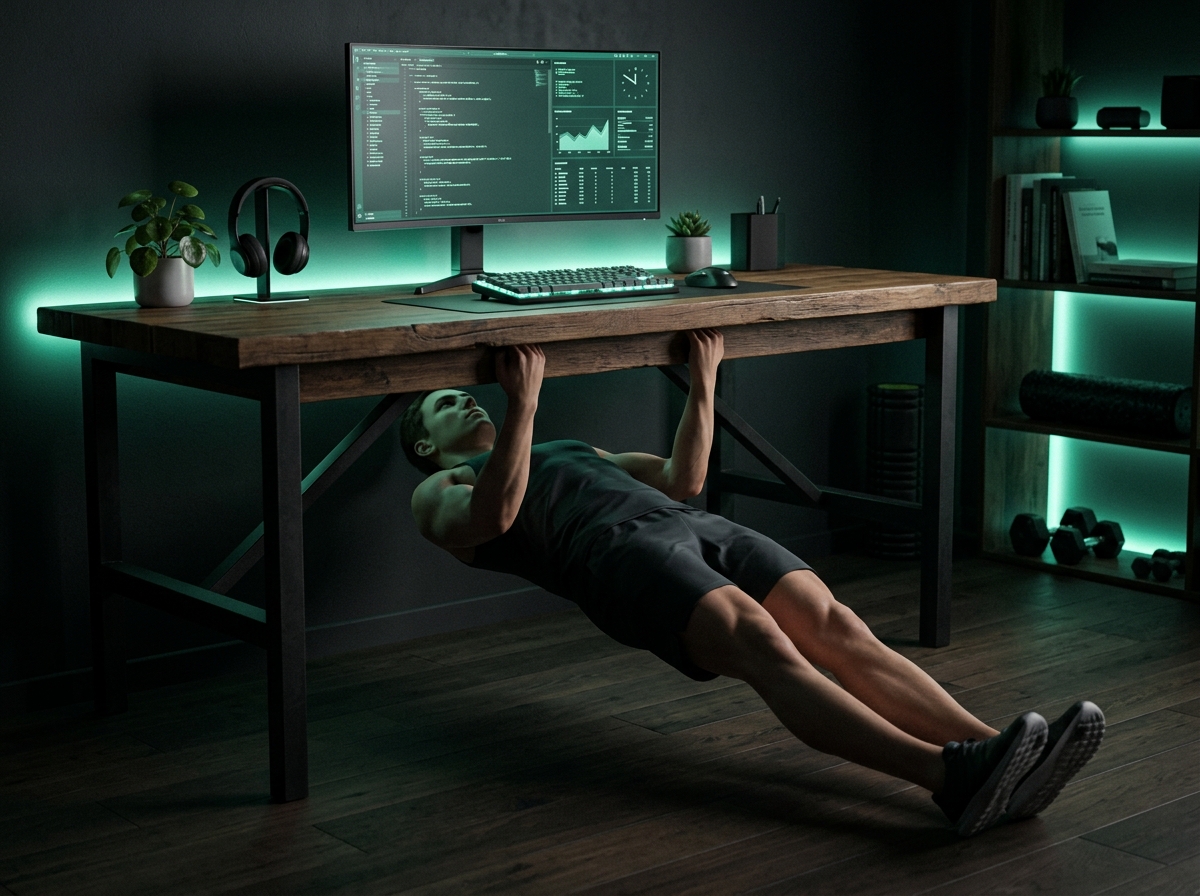
- Inverted rows: Position yourself under a solid desk or table for pulling movements.
- Resistance elastics & bands: Keep bands nearby for arm curls and shoulder pulls.
06
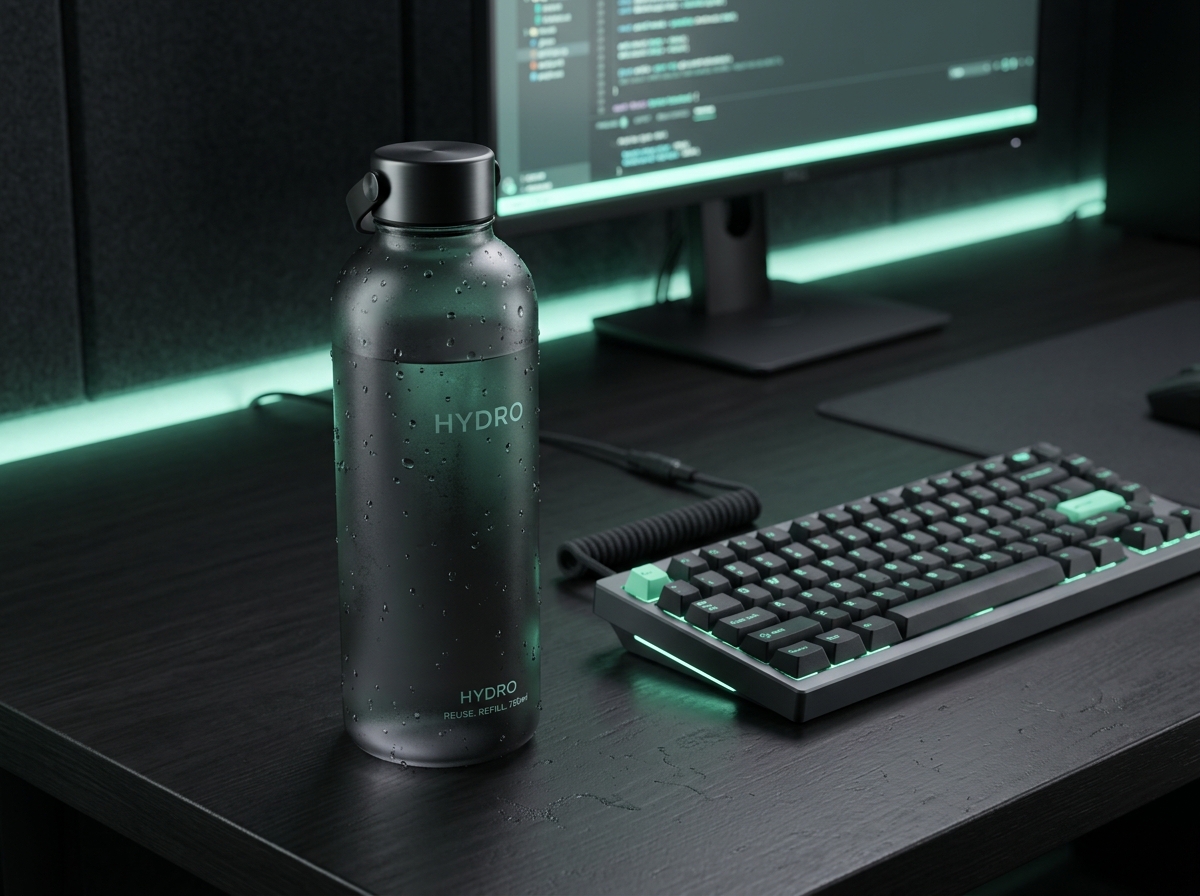
Stay Hydrated & Listen to Your Body
Keep a water bottle on your desk to stay hydrated during screen hours. Always listen to your body and adjust prompt intervals or exercise difficulty to fit your energy.
07
Embrace Consistency & Compounding Habits
Doing small movements consistently is always better than waiting for the perfect workout. Every bite-sized break compounds over weeks and months: building real physical momentum, better focus, and lasting daily energy without burnout.